
Job application autofill. Your answers, ready for the next form.
Save your real work history and answers once. Jobsistant uses them to fill repeated fields on job applications, flags what needs attention, and leaves the final submission to you.
Free Pro during early access · No credit card
Desktop extension for Chrome, Edge, Firefox, Brave and Opera · Offers to fill on Greenhouse, Lever, Workday, Ashby + 12 more · Open it from the toolbar on other career sites · LinkedIn assist mode
How to autofill a job application.
Jobsistant uses a saved profile to prepare repeated fields and draft answers. You choose when filling starts and check the application before sending it.
- 01 · Set up
Save the details you want to reuse.
Create an account, install the extension in Chrome, Edge, Firefox, Brave or Opera, and add your real work history and answers. Already have an account? Find the store links on the extension installation page.
- 02 · Fill
Open the form and start Jobsistant.
On Greenhouse, Lever, Workday, Ashby and the other recognized platforms, a small Jobsistant card appears as the page loads: click “Fill this application” to open the sidebar and start. On any other career page, open the sidebar from your browser toolbar and choose “Fill this page”. Answer anything it leaves for you; it saves the answer for next time.
- 03 · Review
Check the answers, then submit.
Verify contact details, dates, attachments and role-specific answers. Decide sensitive eligibility and disclosure questions yourself. Use the autofill review checklist before you press submit.
Before setting up your profile, use the autofill permission and privacy checklist, read how Jobsistant handles your data, and check the early-access offer.
See Jobsistant autofill a job application.
A walkthrough with sample candidate details. Scroll through seven steps to see saved answers, a field needing review, and the final user-controlled submission.
Sample details show how repeated facts and role-specific questions fit together.
Product engineering
Full stack engineer
Bengaluru · Full time
Watch it fill two real applications.
The founder’s demo: one profile, built from a demo resume, fills a systems and security role and then a DevOps role, drafting each answer from what that profile holds.
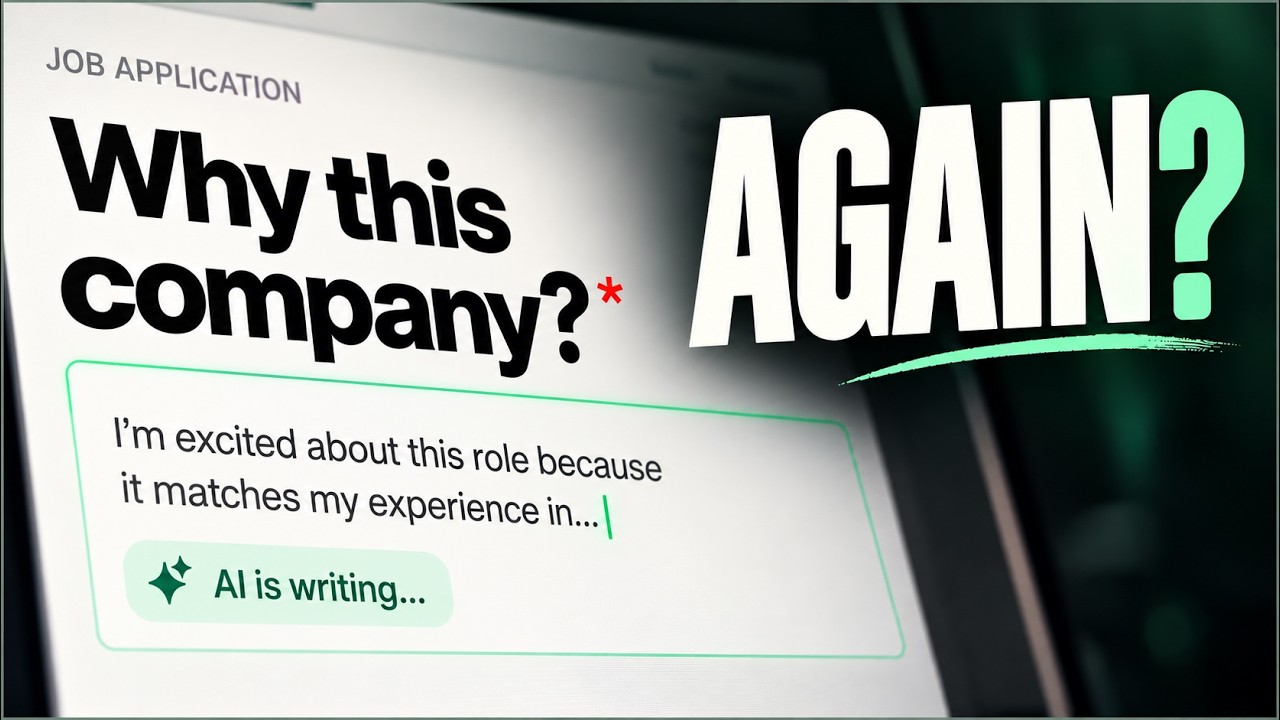
Autofill should take the typing, not the decisions.
Job application autofill fills repeated fields on an online application so you stop retyping the same details for every role. Jobsistant does that, then stops: it fills what you have saved, flags what looks stale, writes open answers only from experience you supplied, and leaves the submit button to you.
On the sites you are already applying through.
Jobsistant recognizes 16 applicant tracking systems, including Greenhouse, Lever, Workday and Ashby, plus Amazon Jobs, and offers to fill the moment the page loads. Open it from your browser toolbar on other career pages; LinkedIn uses assist mode.
- Recognized
A card offers to help
A small card appears on the application page with your skill match for the job. Click “Fill this application” and the sidebar opens and starts filling.
- Anywhere else
You open the sidebar
On a company's own career site, click the Jobsistant icon in your browser toolbar, then choose “Fill this page”. Jobsistant reads the form on demand, fills what matches your profile, and shows you what still needs an answer.
- LinkedIn
Assist only
Jobsistant prepares your answers in the sidebar. You choose what to use and paste it into LinkedIn yourself.
Draft from your facts. Check every claim.
You save your work history, projects and answers once. Every open-ended answer is built from that and from the job description in front of it — the checkout rebuild you actually shipped, the stack you actually used, the notice period you actually typed in March.
When it lacks the facts, Jobsistant flags the field or leaves it for you instead of guessing. Read each draft against your own experience before you submit.
How Super Context builds the profileAn honest blank beats a confident wrong answer.
A job application carries your name to someone who will read it. These are not settings — they are rules the product will not let you turn off.
Read the security model- Contact details and work history
- Answers you have given before
- Open answers grounded in your own facts
- A flag when a saved value looks stale
- The submit button, on any form
- CAPTCHA and verification codes
- Passwords read from the page
- Payment details and national ID fields
- Anything you never told it
Early access, improving every release.
Pro is free during early access. Found a form Jobsistant could fill better? Send the link to [email protected]. New field labels and form patterns are added from the applications people actually use.
Page reviewed
Before you trust autofill with an application.
How do I start autofilling job applications?
Create your Jobsistant account, add the extension to Chrome, Edge, Firefox, Brave or Opera during setup, and save your real details in your profile. Open a job application, start the fill, review the result, and submit it yourself.
Is job application autofill free?
Yes. Early users get Pro free during early access, including AI answers and tailored documents. No credit card is required. Core autofill, your Super Context, saved answers and tracker stay free permanently, with one Smart Apply a day. Pro adds unlimited Smart Apply and new tailored documents. See the pricing page for the current offer.
Can I use Jobsistant on Workday?
Yes. Workday is one of the platforms Jobsistant recognizes, so a small card offers to fill as soon as you open the application, and Jobsistant has dedicated handling for Workday dropdowns and its "Add another" work-history and education sections. Workday support is in beta: every employer configures its Workday flow differently, so check each page before you continue. Optional job-site sign-in is prepared for extension 1.0.4; store availability has not been confirmed. Use your password manager for unique employer passwords; the optional feature never signs you in or submits for you.
Does Jobsistant submit job applications for me?
No. Jobsistant is reviewed autofill, not unattended auto-apply. It can prepare fields for review, but the final submit action always stays with you.
What happens when Jobsistant is unsure about a field?
It marks the field for review or leaves it for you. A blank field is safer than a confident-looking answer without enough evidence.
Can it invent experience to make an answer stronger?
Jobsistant drafts from your supplied experience and checks generated claims against those facts. Review each draft for accuracy before you submit.
Which job application sites are supported?
Jobsistant works on job application pages across the web. On 16 applicant tracking systems, including Greenhouse, Lever, Workday and Ashby, plus Amazon Jobs, a small Jobsistant card appears on the application page with your skill match. Click “Fill this application” and the sidebar opens and starts filling. On any other career page, click the Jobsistant icon in your browser toolbar to open the sidebar, then choose “Fill this page”. On LinkedIn, use assist mode to prepare answers in the sidebar and paste them yourself.
Which browsers does Jobsistant work in?
Jobsistant works on desktop in Chrome, Edge, Firefox, Brave, Opera and Chromium. Install Jobsistant from the Chrome Web Store for Chrome, Brave, Opera and Chromium, Microsoft Edge Add-ons for Edge or Firefox Add-ons for Firefox 140 or later. Other up-to-date desktop browsers work too if they install extensions from those stores and can open them in a side panel (Firefox calls it the sidebar). Safari and browsers on phones and tablets aren’t supported, so on a Mac use Chrome, Edge, Firefox, Brave or Opera. Your profile and saved answers live in your account, so they follow you to whichever one you use.
Save your history once. Stop retyping it.
Early users get Pro free. No credit card required.